How I Run Local LLMs
In discussions about my recent pile of benchmarks of LLMs ability to crack hard security bugs (Mythos-discovered bugs), such as here and here, more than a few folks have had questions about how to run models locally. It’s a broadly covered topic, but still a source of confusion for some folks, especially when it comes to running them optimally. I’m not an expert, by any means, but I’ll tell you what I know.
Picking a Model
Realistically, most normal folks cannot self-host very large models. Even a 1-bit quantization of something like DeepSeek V4 Flash barely fits in 128GB, which in June of 2026 costs a minimum of $3500 (a Strix Halo) or $4000 (an Nvidia-based Asus GX10). Even though it fits on those devices, it operates too slowly to be usable interactively (though recently announced DSpark speculative decoding probably helps), and 1-bit quantization causes a measurable quality degradation. Note this is a model you can run, unquantized, extremely fast, directly from DeepSeek for pennies.
If you’re normal and haven’t spent far too much money on local hardware, you’re probably working with 24GB or 32GB, maybe even 64GB. The good, and bad, news is that the best self-hostable models for anything up to and including 128GB devices are currently from one of two model families: Gemma 4 and Qwen 3.6, and every member of those families runs comfortably at 4-bit quantization on 32GB and snugly on 24GB (you’ll need to quantize your KV cache, too). And, the Gemma 4 12B in the 4-bit QAT quantization runs on just about anything (but it’s quite limited for coding and agentic use).
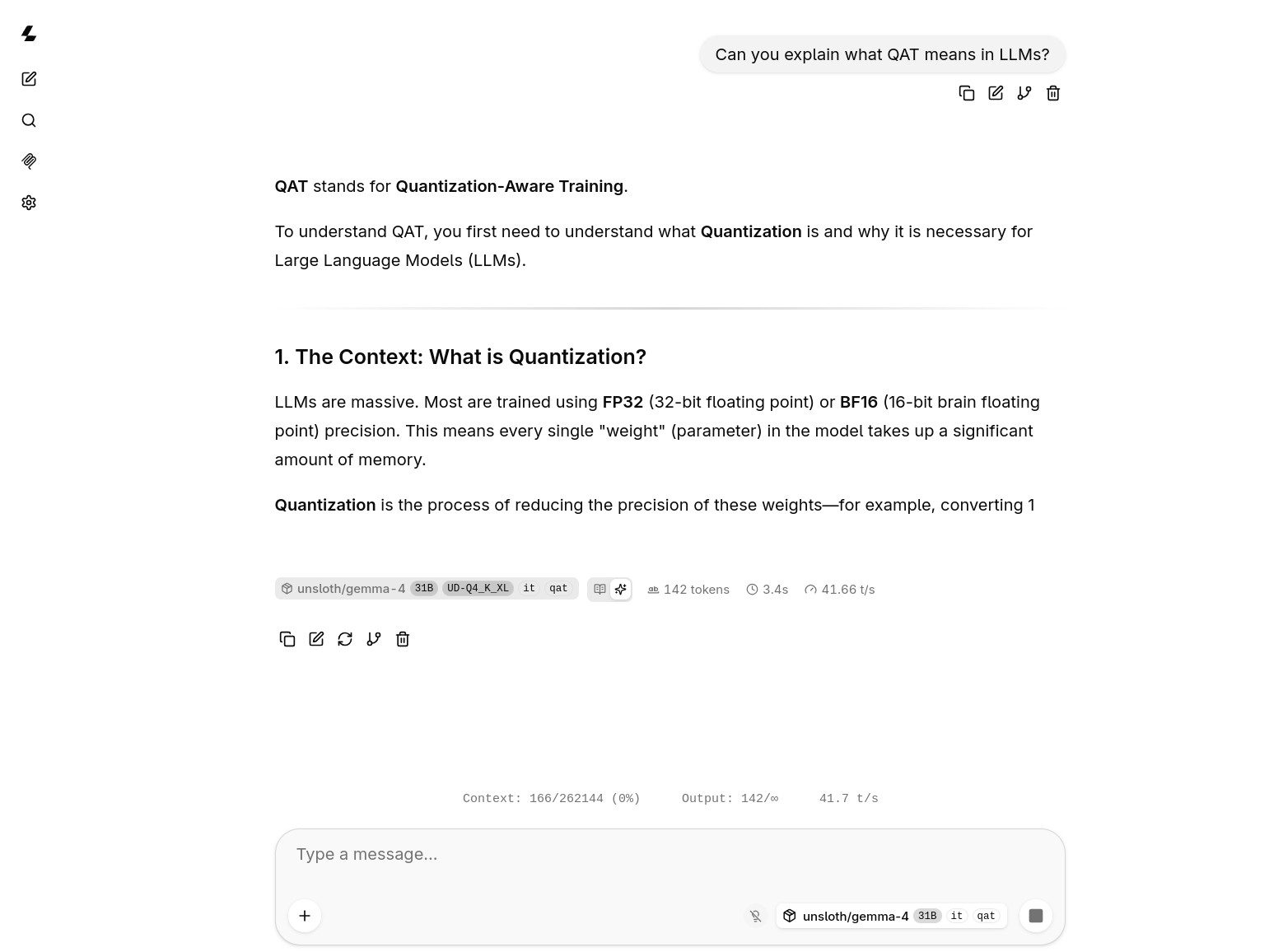
So, if you just want to run the smartest model for agentic use that you can run locally, your choice is simple: either Gemma 4 31B or Qwen 3.6 27B. You can pick your quantization based on how much VRAM or unified memory you have, but for Gemma 4, there’s probably no reason to use anything other than the 4-bit QAT version; it is practically indistinguishable from the full-fat version of the model, and is only 17GB, leaving room for a nice chunk of context on even a 24GB system (with KV quantization). A 4-bit quantization also runs faster than larger quants. A recent-ish 32GB Mac can also run it comfortably, as long as you don’t have too much else going on.
Qwen 3.6 may be better than Gemma 4 for agentic coding. That’s the popular wisdom, and the Qwen 3.6 models are very good for their size, but I’m ambivalent about the claim based on my own usage of local models. Gemma 4 is considerably more capable of finding security bugs, which hints at a strongier reasoning capability, I think. And, the Qwen models do not have a 4-bit QAT version, so if you need to run anything smaller than 8-bit quantization (or maybe one of the 6-bit hybrid quants from Unsloth) you will see a small amount of capability loss. The Unsloth hybrid quantizations decrease that degradation, but don’t entirely mitigate it.
If you’re coding with your local models, try both the dense versions of Gemma and Qwen and see which one you like best for your code and style. If you’re doing anything other than coding, Gemma 4 31B is almost certainly the better choice. The MoE versions are much faster, and can realistically run on even smaller GPUs than 24GB (because offloading some to system RAM isn’t catastrophic for performance in an MoE, where it is in a dense model), but they are notably dumber and hallucinate far more.
Special case: Vision. There is no model anyone can reaonably self-host that is better than Gemma 12B. It’s a novel encoder-less vision model that outperforms literally anything else short of massive models. It also happens to run on just about anything, including modern tablets and phones. The QAT version is 7GB, so a 12GB GPU can run it. Deepmind is doing science, y’all. It is also a pretty good conversationalist and tool user, so if you give it a search MCP it can probably work pretty well as a research assistant.
And, if the dense models are just too slow for you on your hardware, you might try Qwen AgentWorld, a post-train of the Qwen 3.6 35B A3B MoE model designed for agentic use. It has excellent benchmark results for its size, but I’ve found it still trails the dense Qwen and Gemma models in my testing.
Picking a GPU
Don’t.
If you don’t already have a 24GB or larger GPU or 32GB of unified memory, now is not the time to buy one. They’re wildly overpriced, and competition and loose investor money is making sure many excellent models remain very cheap from a variety of providers. The several thousand dollars you’d spend on a GPU or new computer will buy millions of tokens on models far beyond what you could host locally. DeepSeek V4 Pro is cheap-as-free, given how effectively its caching works and how cheap its tokens are. With the Reasonix agent, designed specifically to optimize for DeepSeek caching, you can work for hours for pennies. OpenRouter and Google AI Studio even offer a lot of the models you could host locally, and a few you couldn’t, for free, though rate-limited and connection-limited. Or, a $20 subscription to any of the big guys gets you a useful amount of usage of better models than you could host locally for anything less than the cost of a house. Some of the OpenRouter models promise not to store or train on your data.
If you really must, the Asus GX10 is probably the sweet spot. The Nvidia platform has a more mature ecosystem, it’s a little faster than the AMD Strix Halo, and with the recent price hikes on Strix Halo devices, it’s only a few hundred more bucks, and it allows future expansion by connecting more devices. The Strix Halo devices do not have high speed connection options. If you buy a Strix Halo, put Linux on it. Don’t waste your one precious life on dealing with Windows for this task. Speaking of operating systems, Nvidia is very bad at them. They’ve got some kind of partnership with Ubuntu, and they ship a buggy Ubuntu OS on the devices I’ve used (I work with Jetson hardware at the robot factory, but have never seen the big DGX Spark or GX10 in person, I assume the OS is similar, though) that is complicated to upgrade and full of weird quirks. But, if you’re just doing AI inference, the stock system is probably fine.
You can also still find older 32GB PCI server class GPUs for not huge sums on eBay. Overpriced, but not, like, “pretty good used car” overpriced. I don’t necessarily recommend going this route, as you probably need to come up with a cooling solution (do have you have a 3D printer or a friend with one? you’ll need fan shrouds printed). Make sure you don’t buy something too old to be broadly supported by current CUDA or ROCm. I bought a couple of Radeon Pro V620 cards. They work, they give me 64GB VRAM in my desktop, they were a pain in the ass to install and cool and they’re a pain in the ass to run stuff on. Not recommended, but if you’re Linux savvy and comfortable with hardware and compiling all your own software, maybe that’s an option for you. I chose them over something like an Nvidia Tesla V100, because they’re much more recent, faster, and still have current support in ROCm, and they’re a little cheaper. Still not recommending it, and prices have gone up since I bought mine. Buy the cheap tokens from DeepSeek.
I bought both my Strix Halo and Radeon Pro GPUs in the early days of the memorypocalypse. Nvidia GPUs were already outrageously overpriced, but my Strix Halo was $2100 and my GPUs were less than $400 each. And, I probably still spent too much given the expected usage vs. the cloud costs of running tiny models like this, but I like to tinker with hardware.
If I really had to buy a GPU today, I’d probably buy an AMD Radeon AI Pro R9700 with 32GB of VRAM. It’s $1300-$1400, less than a third the cost of a 5090, and it will Just Work, unlike any of the server-class stuff you’ll find on eBay. The Intel Arc B70 is something like 30-40% slower, and only a little cheaper than the AMD at $1000. The AMD ROCm ecosystem is much more mature than the Intel OpenVINO and oneAPI ecosystems, though somewhat less mature than the CUDA ecosystem. I’ve had very little trouble getting things to run on my ROCm devices.
Running A Model
Use Unsloth Studio, LM Studio, or llama.cpp.
I use llama.cpp exclusively for inference, as I like the control and transparency it provides in how models are being run, and it is lighter weight. Unsloth Studio and LM Studio use llama.cpp under the hood. It still includes a basic web chat UI, so you can still chat with it. The web UI even supports MCP servers now, so you can setup a search tool, like Brave or Exa, which makes the small models much more capable. A tiny model like you’ll run locally can’t know everything, because the world does not fit in ~30GB or whatever, but a good tool user like Gemma 4 or Qwen 3.6 can do research and often formulate good answers.
On the Strix Halo, I run Fedora 44 and use the Strix Halo llama.cpp Toolboxes, as it bundles everything you need into containers. I’m currently using the llama-rocm-7.2.4 toolbox most of the time. Sometimes I build a custom toolbox with a custom llama.cpp when I want to try a model that doesn’t have mainline llama.cpp support (such as the Prism Bonsai 1-bit and 1.58 bit ternary models). The Strix Halo is a very modern ROCm device and supports most ROCm features, and is well-supported by AMD.
On the desktop with dual Radeon Pro V620 GPUs, I build llama.cpp from source, and get the ROCm packages from the AMD RPM repositories for RHEL 10.1 (there is no Fedora package provided by AMD, but the RHEL version works with only a little bit of pain from conflicting packages…when there are conflicts, choose the AMD packages, and everything will work out). It’s a minor episode of dependency hell. There are instructions for building on every possible kind of system. For my AMD system, I use the HIP instructions. Vulkan also works, but HIP usually performs slightly better on current ROCm versions. The instructions happened to match my specific hardware (the V620 is a gfx1030 generation device, and that’s the example they provide, if you’re building on a Strix Halo, it would be gfx1151). AMD has a compatibility matrix that you can use to figure out what your card is.
Obviously, for an Nvidia system, you’d use the CUDA instructions and for Intel you’d use OpenVINO, which also works for CPUs, but the models you can run on a CPU probably aren’t worth speaking of, or are special-purpose emmbeddable models, like the YOLO or OpenCV vision models and don’t run on something like llama.cpp.
Gemma 4 has unusual tool call semantics requiring a custom tool parser, which can make it a little hard to run, but if you use llama.cpp and the Unsloth QAT quantization GGUF, everything will Just Work™. The GGUF includes all the configuration information needed and llama.cpp has support for Gemma models.
As I mentioned, if running any Gemma 4 model, there doesn’t seem to be any reason to run anything other than the 4-bit QAT, even if you have sufficient memory for bigger versions. The loss of the Unsloth 4-bit QAT seems to be about the same as the 8-bit non-QAT model (i.e. basically nothing). It runs faster, it requires less memory, leaving room for more context (it has a maximum 256k context, making it very well-suited for longer agentic sessions) or more accurate context. Quantizing the KV cache reduces accuracy. TurboQuant or RotorQuant may be advisable if you’re very tight on VRAM. The Unsloth GGUF also bundles the necessary bits for speculative decoding, which accelerates dense models token rate by a considerable amount.
The command I run is usually something like this:
llama-server -hf unsloth/gemma-4-31B-it-qat-GGUF:UD-Q4_K_XL --spec-type draft-mtp --spec-draft-n-max 2 --port 8000 --host 0.0.0.0
The -hf option downloads the specified model from HuggingFace and stores it in a local cache. Future use of that exact model and quantization generally won’t need to download again.
Some models recommend a temperature, top-k, top-p, etc. for specific tasks in their model card, and you can set those on the command line, but any API user can also set them explicitly to something else.
The --spec-type and --spec-draft-n-max options enable MTP and set how many tokens to draft. Check the speculative decoding docs for llama.cpp for details. Usually, you’d also need to specify the “draft” model, which is a small model that is designed for use as a draft model for the larger model. Not every model provides a drafter, Google does for their Gemma models. If you use the Unsloth GGUF of the Gemma 4 models you already have the drafter baked in. A GGUF bundles model files (sometimes including an MTP drafter model), metadata, and configuration information like the chat template for the tokenizer.
There are several quantization types, I don’t understand them all, but I believe K_XL is the highest quality for the given bit depth among Unsloth quantizations. Unsloth has documentation on their dynamic GGUFs, and how much each type of quantization reduces the size and accuracy of the model, if you’re so inclined.
Note that the size of the model itself is not all of the VRAM you’ll need, you may need double the size of the model for a large context, like the ~256K context available in Qwen 3.6 or Gemma 4 models. You can’t put a model that is 30GB on disk on a 32GB GPU and do anything useful with it. To have a long enough context for agentic workflows, you’ll need more memory. If things are tight, you can quantize the KV cache using the --cache-type-k and --cache-type-v options, but be aware that, as with quantizing models, quantizing the cache degrades accuracy. However, as with quantized models, quantized KV cache generally improves the token generation speed of the model as the data being operated on is smaller. If memory is tight, the right balance mayb be a combination of a 4-bit quantized model (preferably QAT or an Unsloth dynamic quant or similar), 8-bit KV caches, and a smaller context (like 100k or 128k).
llama.cpp moves extremely fast, so when new models arrive with new requirements, llama.cpp usually has support within a few days, or a week or two, at most. It has not, however, adopted TurboQuant or RotorQuant, which may be useful for tight memory constraints. Since they’re not in the mainline llama.cpp, I haven’t tried them, though llama.cpp does support KV quantization. You’ll need to use the TurboQuant fork of llama.cpp if you want to try those.
Using Agents
Once up and running, llama.cpp (and Unsloth Studio and LM Studio) provides an OpenAI API on the address (or localhost) and port you’ve specified (or 8080, if not specified, I believe). Pretty much any agent can use it, including Claude Code, though there may be tool use weirdness in some agents. I very rarely use local models for agentic work, except for experiments where I want to get the feel of how well local models can handle specific problems. But, you can use your favorite. Most of them support OpenAI API endpoints. Unsloth provides a very thorough guide for running Claude Code with a local model. It covers Unsloth Studio, specifically, but because llama.cpp is what’s under the hood of Unsloth Studio, the Claude Code steps are the same. It also works the same for LM Studio.
Free Alternatives to Buying a Big-Ass GPU
If you really want “free” Claude Code, but don’t already have a computer capable of running models locally, OpenRouter and Google AI Studio offer multiple free models. They are usage and rate limited pretty severely, which makes them suboptimal for agentic use, but if you just need occasional help with small projects, you can’t beat “free” and you can often get models that are bigger than you could reasonably run on local hardware. OpenRouter, in particular, often has preview models, sometimes even very large ones. At the time I’m writing this, several Nemotron models, North Mini Code, both Poolside Laguna models, Gemma 4 31b and MoE, Qwen 3 Next, and gpt-oss 120b, are all available for free on OpenRouter. And, Google AI Studio has all of the Gemma 4 models for free. If you rotate between both OpenRouter and Google AI Studio and various providers at OpenRouter, and frequently start new sessions (a long session burns a ton of tokens), you can probably do quite a lot of coding before running into usage limits.
I’m not necessarily recommending this route, either, just giving options. A $20/month subscription or a few bucks in a DeepSeek account is worth it for the convenience of not having to dance across providers and search for free models, for light work. And, a $100 or $200 subscription is worthwhile if you’re coding for work. If you have to pay token rates for some reason, or only code occasionally and can’t justify a subscription, DeepSeek V4 Pro is hard to beat. Near-frontier performance, sub-Haiku or GPT-mini price. Z.ai also offers a coding plan that’s $18/month and GLM 5.2 is regarded as the best current open weights coding model, on par with Opus of five or six months ago.